FileCloud Release Advances Enterprise Identity Management and Strengthens Data Governance Controls
We’re excited to announce FileCloud 23.252, a release that delivers powerful infrastructure management and data protection capabilities for admins and end users alike.
This update introduces SCIM 2.0 support for automated user provisioning, multi-domain Active Directory authentication, advanced DRM controls for private file sharing, and additional customizations for watermarking.
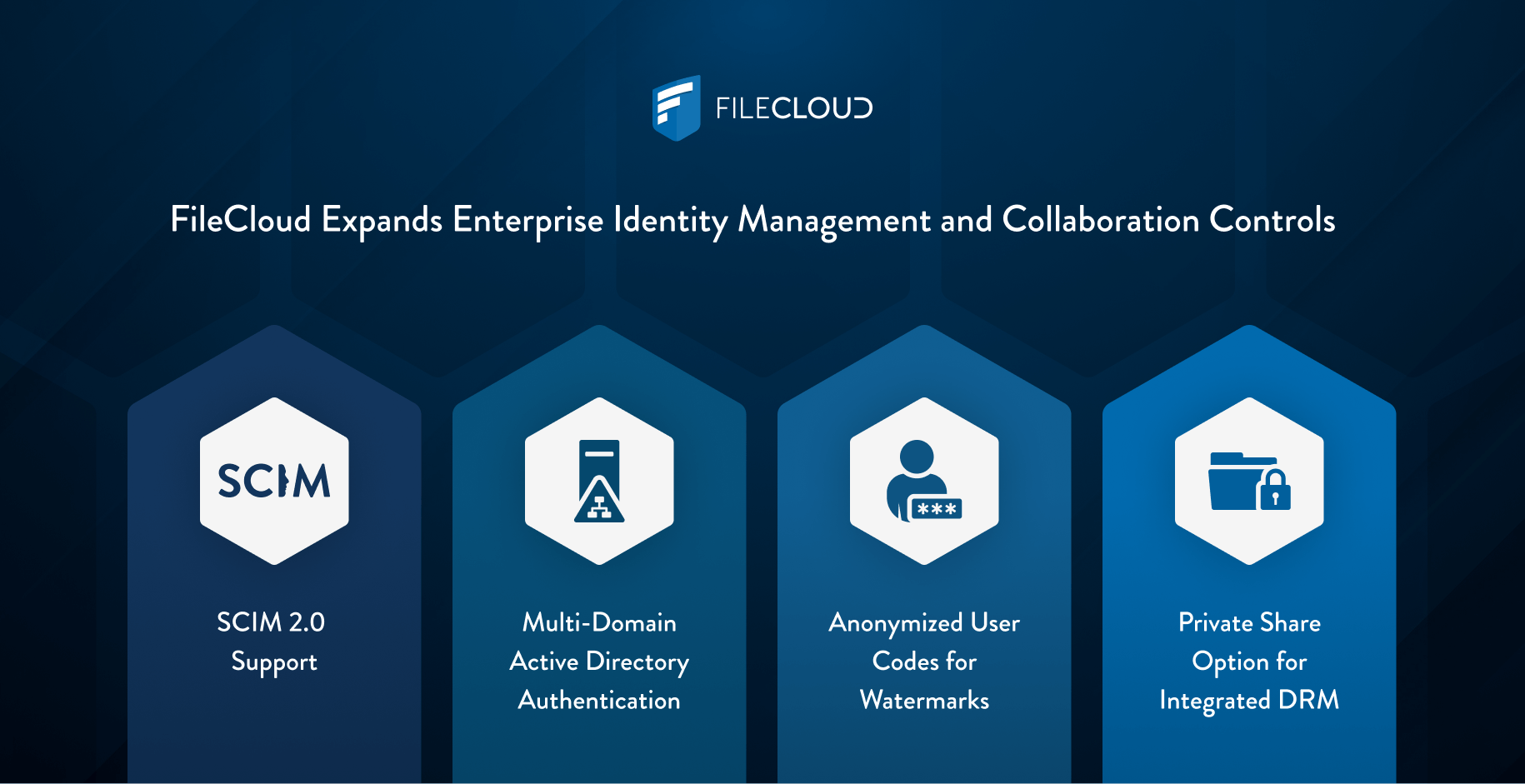
SCIM 2.0 Support: Automated Identity Lifecycle Management
Enterprise identity management reaches new levels of automation with SCIM 2.0 (System for Cross-domain Identity Management) policy support. Administrators can now automatically synchronize users and groups between identity providers (IdP) like Okta, Microsoft Entra ID, and Google Workspace and the FileCloud instance. The integration support in FileCloud eliminates manual provisioning workflows and ensures consistent access control across the organization.
Key Benefits of SCIM 2.0 Integration
- Automated User Provisioning – Changes made in your Identity Provider automatically propagate to FileCloud, eliminating the need to manually log in and request updates for user lifecycle events.
- Reduced Security Risks – Instant synchronization ensures that onboarding, role changes, and offboarding take effect immediately across all systems, closing security gaps associated with manual update cycles.
- Centralized Identity Governance – Manage user lifecycles from existing IdP while FileCloud stays perfectly synchronized, reducing administrative overhead for organizations managing large user populations.
This powerful automation capability represents a significant advancement in FileCloud’s enterprise identity management, enabling IT administrators to maintain consistent access policies while dramatically reducing the time and resources required for user management.
Multi-Domain Active Directory Authentication: Simplified Access for Complex Infrastructures
Organizations operating complex Active Directory (AD) environments gain substantial administrative relief with FileCloud 23.252’s multi-domain AD authentication support. Admins can enable user authentication across multiple AD domains within a Global Catalog, without needing to create separate configurations for each domain. For users, logging in as simple as entering their standard credentials.
Key Benefits of Multi-Domain AD Authentication
- Unified Authentication Experience – Users across all trusted domains sign in with their email addresses using the same credentials they use throughout the enterprise ecosystem.
- Reduced Configuration Complexity – Enable authentication across multiple trusted domains with a single setting instead of creating and maintaining separate setups for each domain.
- Enterprise-Scale Flexibility – Particularly valuable for organizations with multiple domains resulting from mergers, acquisitions, or complex organizational structures.
- Consistent Access Management – Simplify identity management while maintaining security standards across the entire AD infrastructure.
This capability eliminates the administrative burden of managing multiple domain configurations while improving the user experience for employees, regardless of which trusted domain manages their account.
Anonymized User Codes for Watermarks: Privacy-Preserving Document Tracking
Document governance and leak prevention receive a significant upgrade with FileCloud 23.252’s dynamic watermark functionality. Administrators can now configure watermark placeholders that generate unique, anonymized codes for each document preview, protecting user privacy while maintaining full forensic traceability.
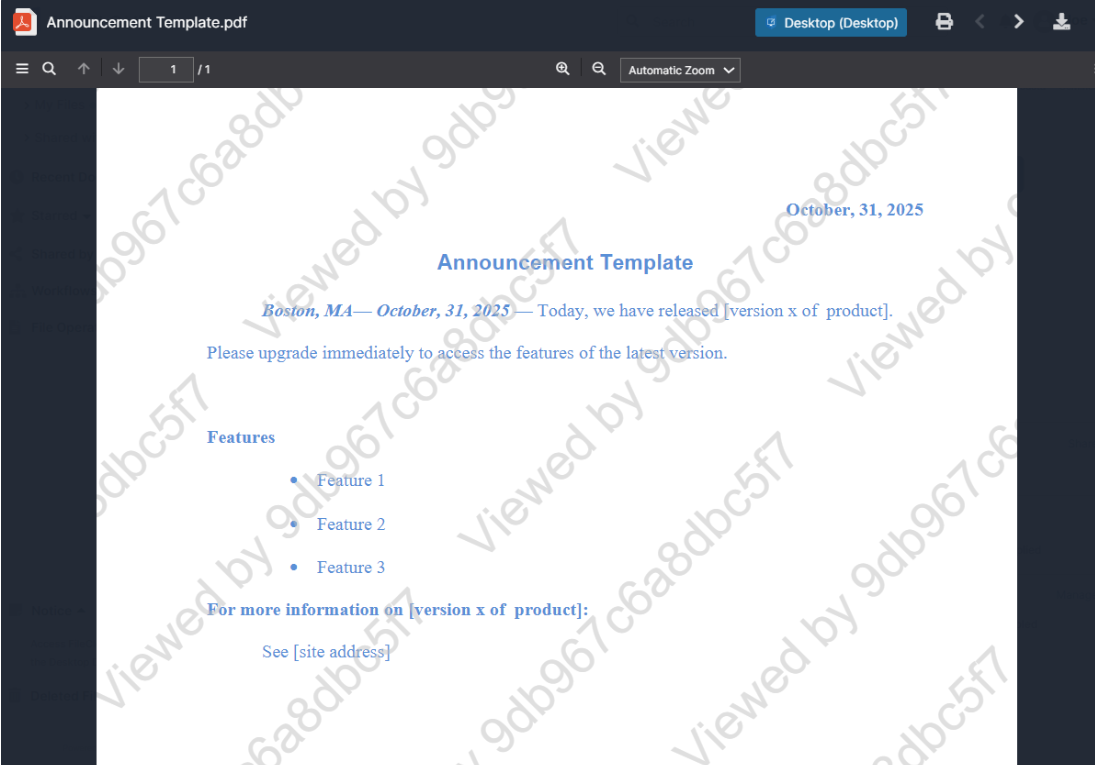
Key Benefits of Dynamic User Codes
- Privacy Protection – Preview IDs do not expose usernames directly in documents, safeguarding user identity information.
- Complete Traceability – Coded preview IDs correlate to specific usernames in audit logs, enabling investigation of potential data leaks without compromising privacy.
- Compliance Support – Meet data governance requirements by tracking document access without exposing sensitive identity information in the documents themselves.
- Flexible Implementation – Configure dynamic placeholders to align with your organization’s specific security and privacy requirements.
This enhancement provides enterprises with sophisticated capabilities to balance document security, user privacy, and compliance obligations—critical for organizations handling confidential data or controlled unclassified information.
Private Secure Web Viewer Shares: Enhanced DRM Control
FileCloud’s integrated DRM solution, Secure Web Viewer, gains new flexibility with private share functionality. Users can now create private Secure Web Viewer shares that restrict access exclusively to internal groups or users, with view-only permissions automatically enforced.
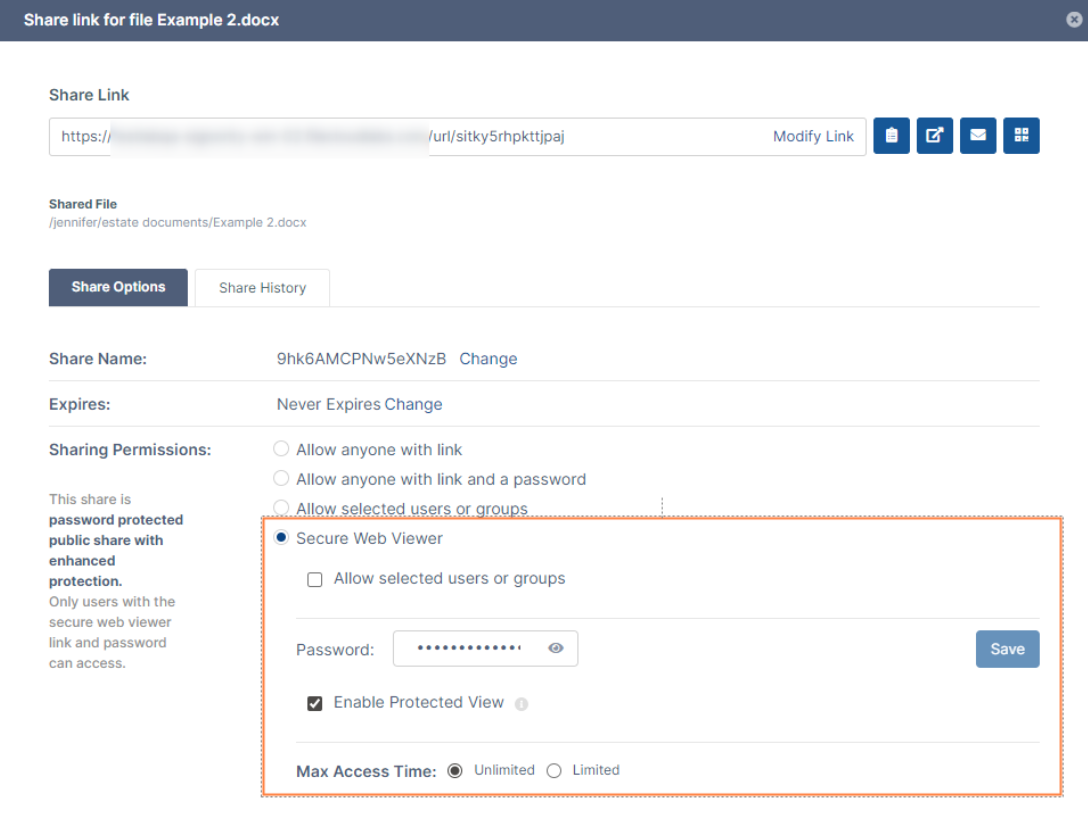
Key Benefits of Private Secure Web Viewer Shares
- Internal-Only Distribution – Private shares can only be accessed by internal users, preventing unauthorized external distribution.
- Enforced View-Only Access – Share permissions are automatically set to view-only, eliminating the ability to download, print, or share protected documents further.
- External User Support – Particularly valuable for contractors, partners, or other external users who need DRM-protected access to confidential materials.
This feature strengthens data governance by giving administrators fine-grained control over how protected documents are shared and accessed, supporting compliance requirements while enabling secure collaboration with external stakeholders.
Explore FileCloud 23.252
FileCloud 23.252 continues our commitment to delivering secure, scalable content collaboration solutions that reduce administrative burden while strengthening security postures across complex enterprise environments.
Ready to experience these powerful new capabilities? Check out the 23.252 release notes or submit a ticket to the FileCloud support team for detailed configuration guidance. (If you’re using FileCloud Online, good news! You already have access to these powerful new features.)
New to FileCloud? Discover how our hyper-secure enterprise file sync and share platform can transform your organization’s content collaboration, compliance, and data governance capabilities with a personalized demonstration.

Product Marketing Manager